What’s Your Email? #
Every week, like clockwork, we’re asked for our email address. It’s a digital handshake that’s become as common as the air we breathe. Yet, each time we share our email, we relinquish a piece of our digital autonomy. I’ve been aware of this exchange for years, leading me to a personal policy: I distribute unique email addresses tailored to each interaction leveraging a domain I own and the email catch-all feature.
 DALL·E 3: “Graphic for a blog post about people selling your email address” (with a few mods;)

For instance, when I shop at my wife’s favorite retailer, target.com, I opt for target.com@mydomain.com
** I’m intentionally not using my real domain here, because, to the point of this here post, web scrapers crawl the web, snag the email address and I’ll undoubtedly get emails soliciting SEO help for my site. **
The Motivation Behind My Method #
Traceability: If my email ends up on the market for sale, pinpointing the source is simple and remediation is as straightforward as creating a filter to block all correspondence to: that email address.
Security: If a company’s email distribution list gets compromised, changing my email address is as simple as updating my email from
target.com@mydomain.comtotarget.com-after2017breach@mydomain.comon target.com, then blocktarget.com@mydomain.comas just stated.Simplification: Email management becomes much easier. Consider email filtering. You might want to filter emails from Target such that they go into your Shopping folder(label in Gmail parlance). So you create a filter for
orders@target.com, filtering on from:@target.com. But then you get an email fromorders@oe.target.com… Ugh! You think, “I’ll just filter on@*target.com”, but Gmail’s filter creation interface does not directly support wildcard characters (*) in email addresses, and even if it did… you’ll inevitably get that email fromTarget@express.medallia.com: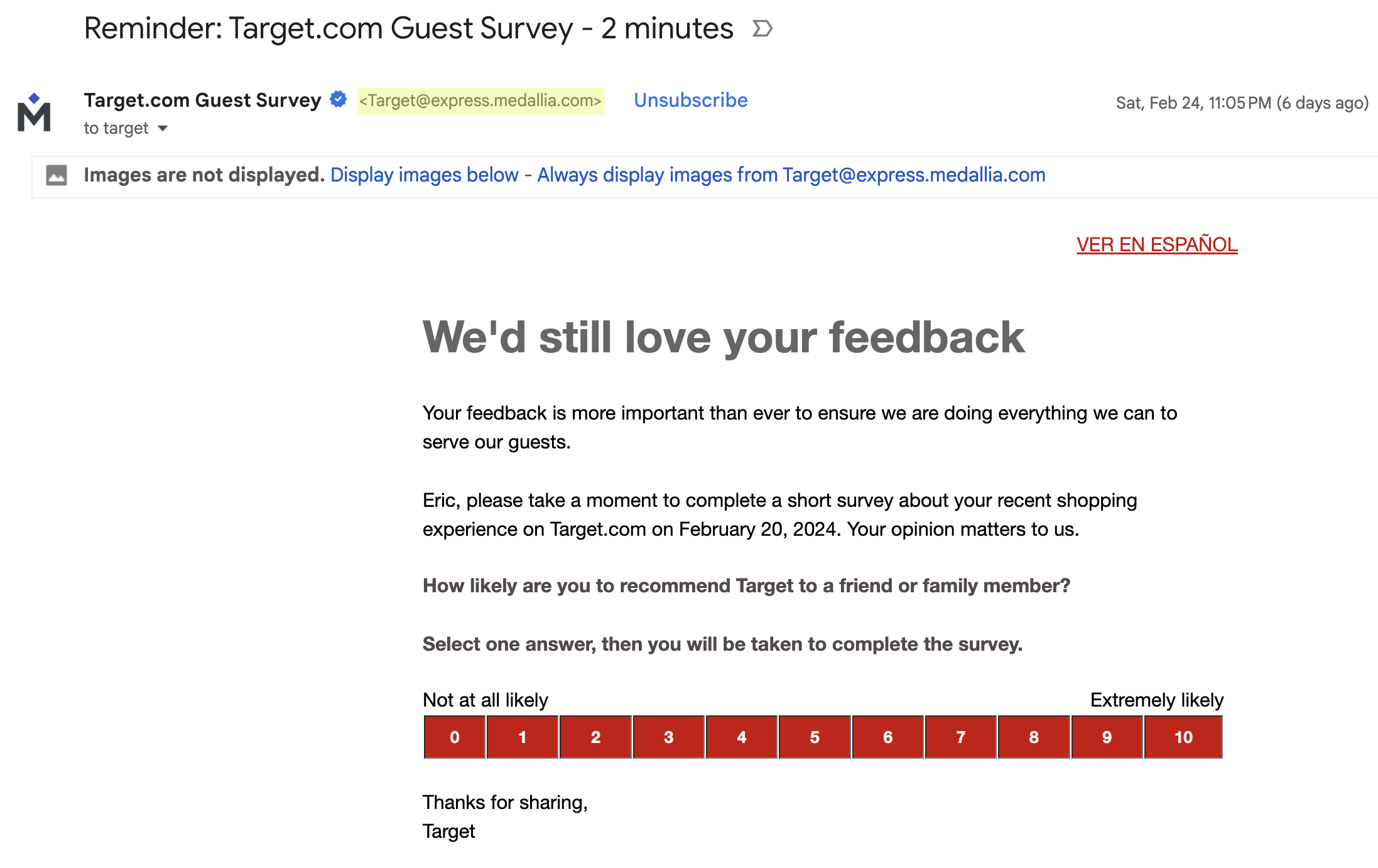
But I Have Plus Email Addresses! #
Plus email addressing, also known as sub-addressing, allows you to create variations of a normal email address that will still be delivered to your email account, e.g., fakeuser+target@gmail.com. While this feature offers a semblance of organization and control, it falls short in several areas:
- Some websites outright reject plus-modified email addresses.
- Savvy spammers can easily strip the plus segment, bypassing your filtering efforts.
A Case Study #
The following email inspired this blog post:
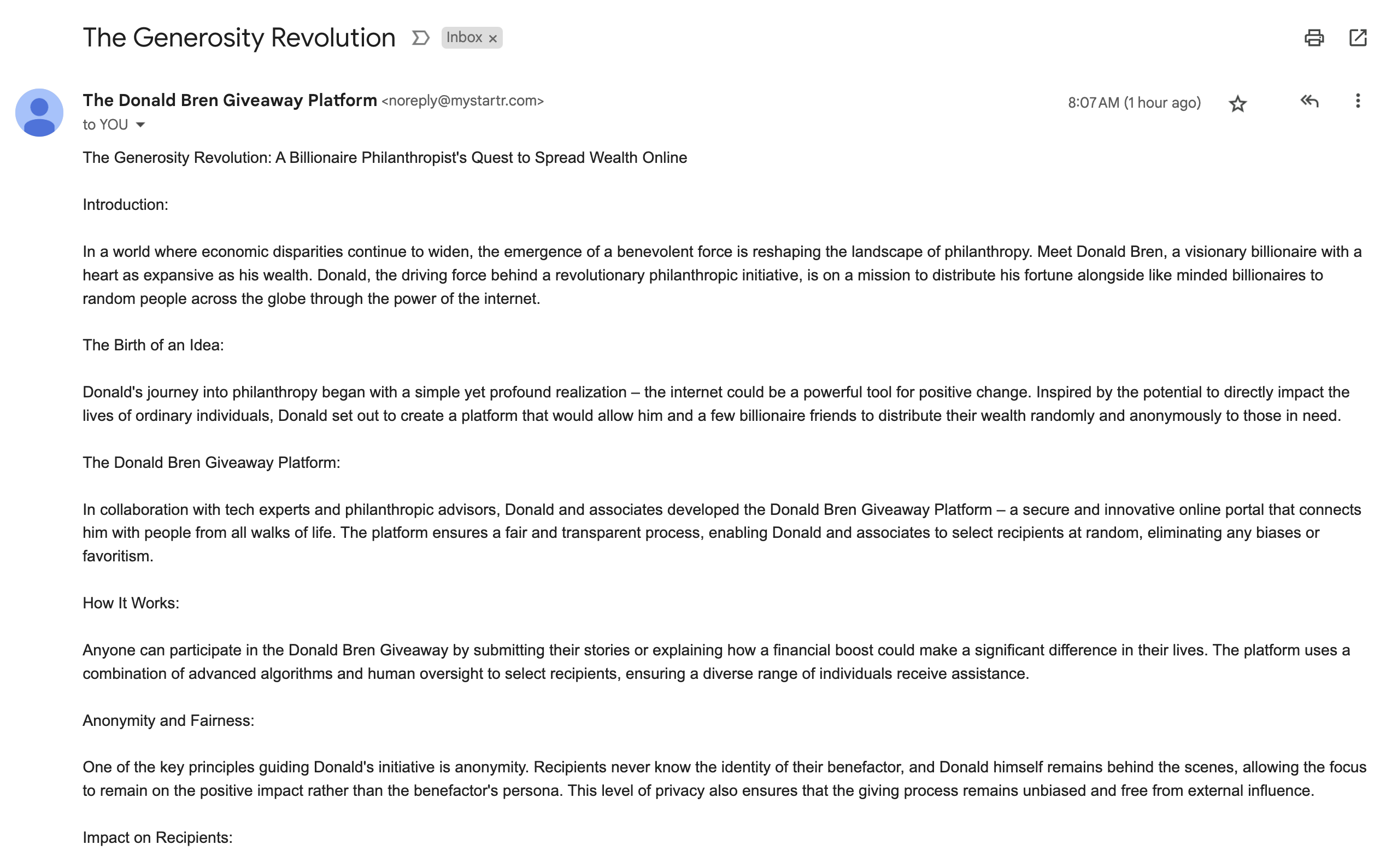
I received this email but it showed that it was sent to: “YOU”.
Clicking the dropdown by “YOU” reveals:
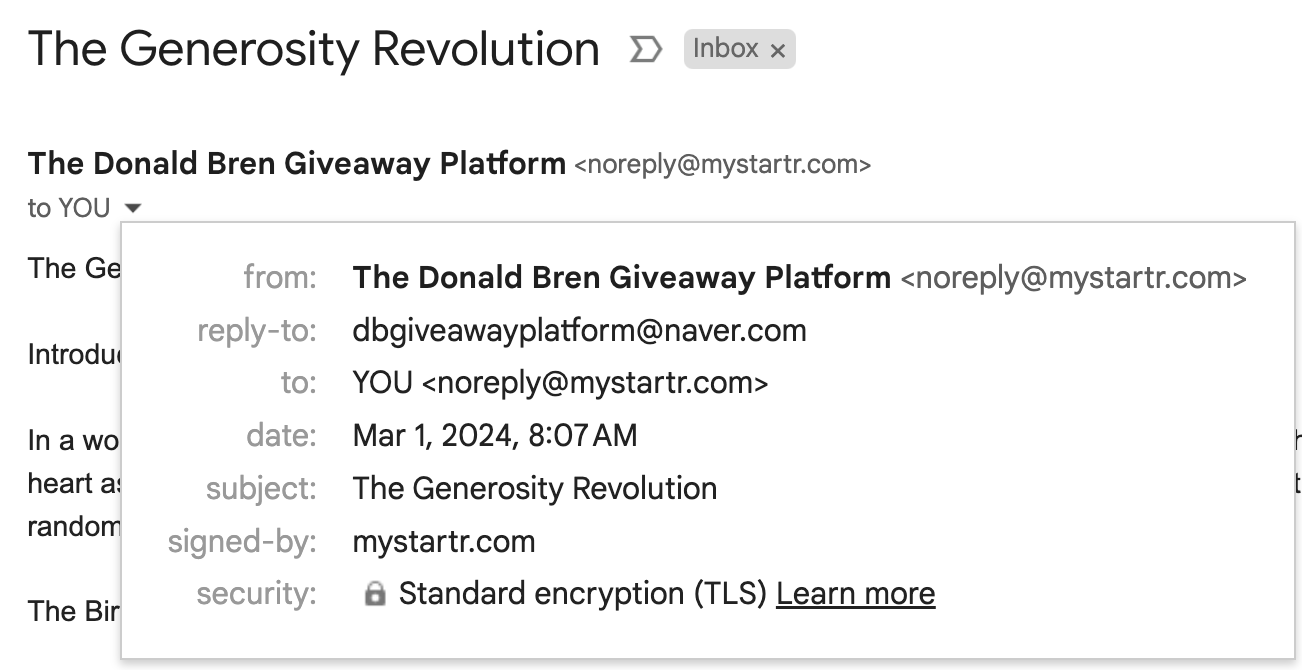
to: YOU <
noreply@mystartr.com>
Okay… But if I click on the 3 dots (kebab) on the right in Gmail, then choose Show original:
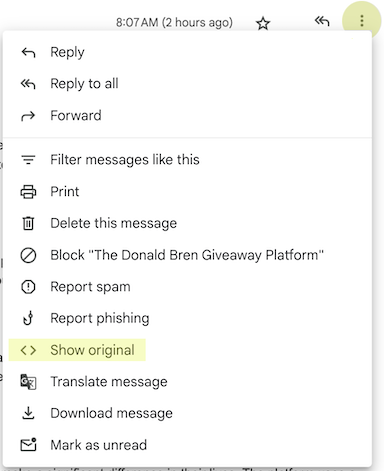
Delving into the email’s source code revealed where mystartr.com got my email from… Angie’s List!
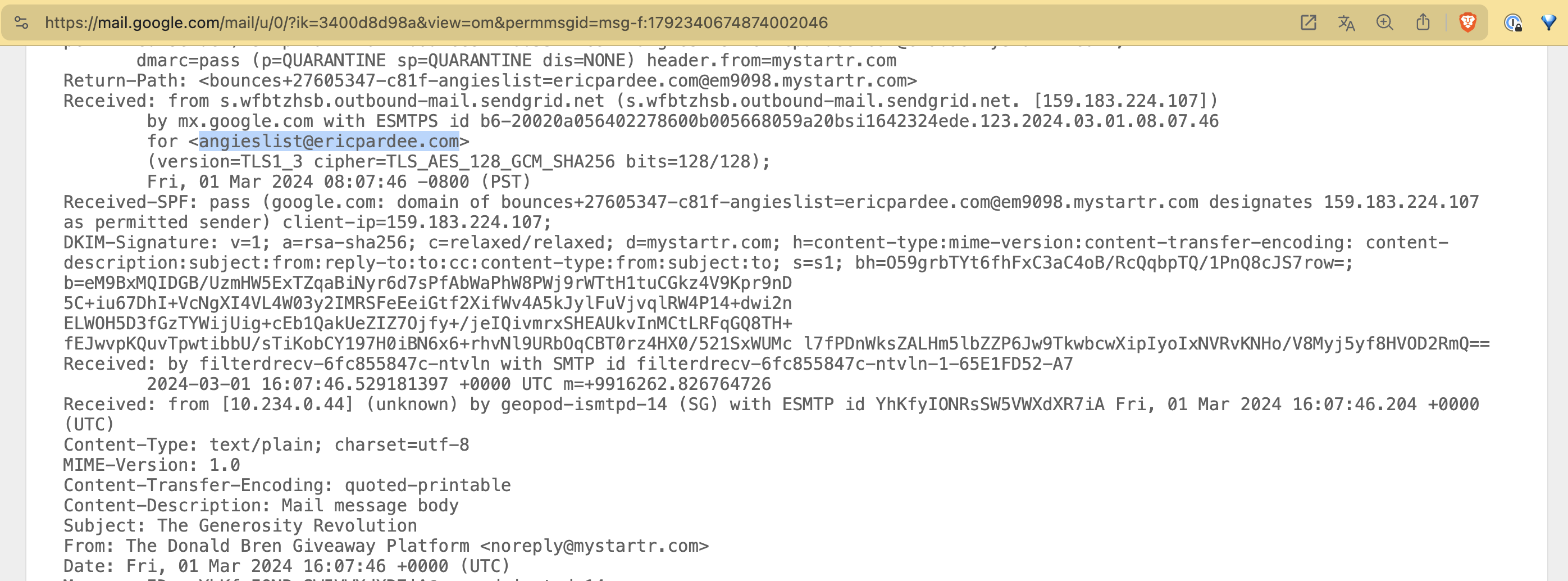
Okay, fine, HomeAdvisor, you rebranded to Angi, angieslist.com was a long time ago and it looks like you have other problems, I’ll let this go…
Navigating Email Replies #
Giving out specific needs-based emails is easy, but what if you need to respond using that email address?
Responding from these bespoke addresses, especially via Gmail, requires a bit of legwork.
Gmail permits aliasing, i.e. send from: linkedin.com@mydomain.com, (full directions here). However, the setup for each unique reply-to address is tedious and capped at 99 alias as of this writing.
The Take-Away #
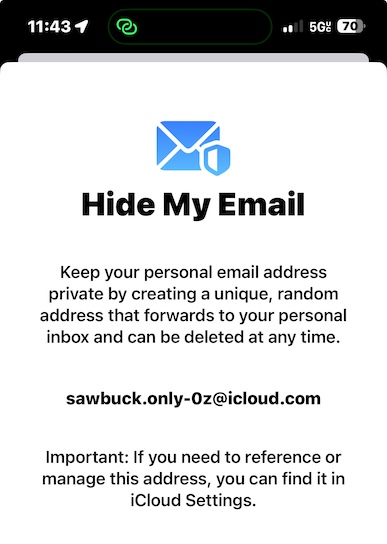
I’m not the only one that saw the need for my method. Apple’s Hide My Email service echoes my approach, offering users a veil of privacy. While that’s great if you’re all-in with the Apple ecosystem, but it still doesn’t allow you to have human-identifiable addresses,
i.e. sawbuck.only-0z@icloud.com:

Finally, this strategy, while mostly digital, occasionally leads to amusing real-world interactions. When handing out a custom email in person, I’ve encountered curious glances. “I see that you work for Lowe’s” a cashier once commented, apparently mistaking my lowes@mydomain.com email address as a Lowe’s address. Before I could respond, I unexpectedly netted the Lowe’s associate discount. While not the intention, and I alerted the cashier (who let me keep the discount!), these moments add a layer of fun to my email privacy strategy.
So, what’s my real email? Well, that depends… who’s asking? ;)