Mastering Craigslist Sales: Automated Renewals #
Relocating to a new house often means leaving behind furniture that no longer complements our evolving tastes. I found myself in such a predicament, with pieces that weren’t quite fitting the “family chic” aesthetic.
Craigslist has been my go-to platform for selling unwanted items. Once you find your rhythm and make that first sale, it’s like a domino effect—each subsequent sale becomes smoother.
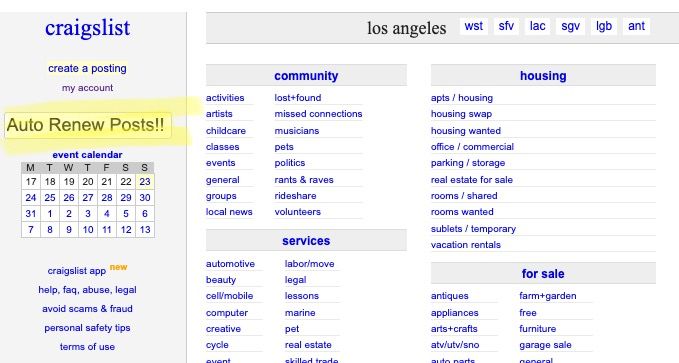
Navigating Craigslist’s Listing Queue #
One challenge on Craigslist, especially in bustling cities like my last (Los Angeles), is the rapid movement of your item down the listing queue. As more items are listed, yours gets bumped further down. To keep your listing visible, you’d typically have to renew your items. While Craigslist permits renewals every 48 hours, doing this manually isn’t my cup of tea.
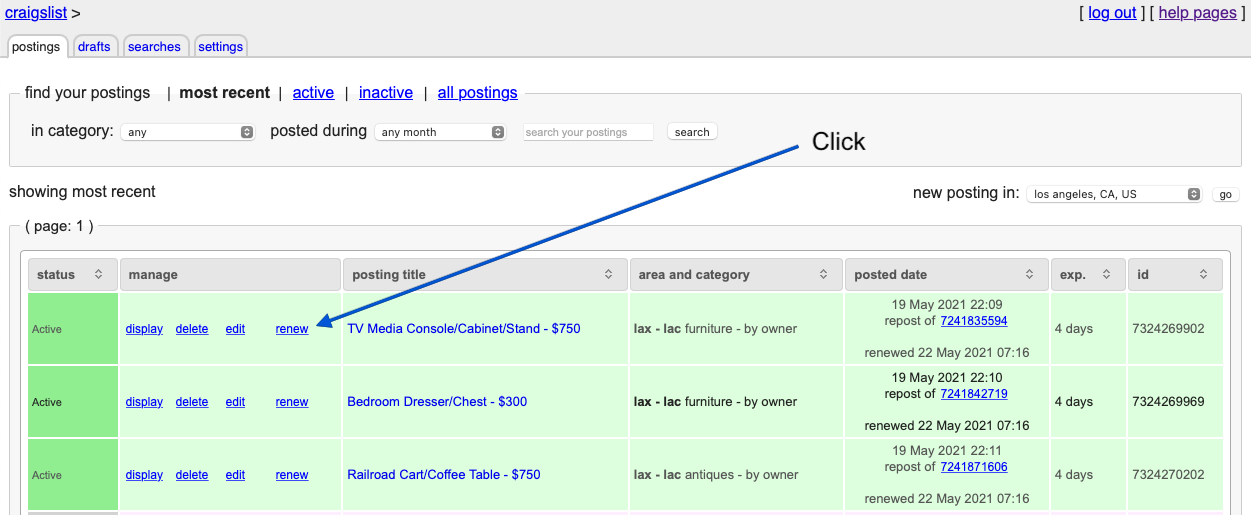
In this post, I’ll share how I’ve automated the renewal process using an open-source script from GitHub. Initially, I utilized a Perl version, but I later transitioned to a Python variant a few years back.
Setting the Stage #
I manage several servers at home, including the DELL OptiPlex 9020-SFF, stationed in my “homelab” within my garage. This particular server operates on Ubuntu Server 22.04, in a ProMox VM, running within microk8s Kubernetes.
Aligning with the growing adoption of Kubernetes (as highlighted in The Changelog podcast), I modified the script to run as a Kubernetes Cronjob. Here’s a high-level overview of my setup:
Clone the Repository:
git clone https://github.com/jsetton/craigslist-renew.git && cd craigslist-renewSwitch to Dell Configuration (optional):
export KUBECONFIG=/Users/ericpardee/.kube/edgepardee_configCreate a Namespace (optional):
kubectl create namespace craigslist-renewInitiate the Kubernetes ConfigMap:
kubectl create configmap craigslist-renew-config --from-file=config.ymlMy configuration file, integrated with Craigslist credentials and AWS SES for email notifications, appears as:
#
# Required parameters
#
email: craigslist@example.com
password: d^^gcNOTreal_a_9Efky
notify: craigslist@example.com
#
# Optional parameters
#
# specify sender email address
from: craigslist-renew@example.com
# specify smtp server settings (defaults to using sendmail command if omitted)
smtp:
  server: email-smtp.us-west-2.amazonaws.com:587
  username: AKIALFAKEZDATARSGA
  password: AgjUFDFSLMFBuNOT-REAL9jYBATwedg9wDdQ9Ohgj
# set to 1 to suppress notification emails on renewal
no_success_mail: 1
# set to 1 to renew all posts available for renewal
# By default, only the first expired post gets renewed on each run
renew_all: 1
Deploy the CronJob:
kubectl apply -f kubernetes/cronjob.yaml
Wrapping Up #
While there might be simpler ways to achieve this, the process of setting up this automation was a rewarding experience in itself. If you’ve been procrastinating on selling that old device, I hope this guide nudges you in the right direction.
Disclaimer: Please be aware that Craigslist’s terms of service prohibit certain automated interactions with their platform. Use this guide with discretion and at your own risk.